VR Sickness Explained: Causes, Symptoms, And Fixes
Hamza Al-amin · Article, Insights, Virtual Reality

How to Combat Motion Sickness in Virtual Reality (VR)
Table of Contents
Introduction
What is VR Sickness?
VR Motion Sickness Symptoms
What Causes VR Motion Sickness?
Who is at Higher Risk of VR Motion Sickness?
Tips for Reducing Motion Sickness in VR
Building a Tolerance to VR Motion Sickness
When to Stop: Knowing Your Limits
Has Motion Sickness in VR Improved?
Tips For VR Developers To Minimize Sickness
How Motion Sickness Affects VR Training
Conclusion
VR Sickness Explained: Causes and Symptoms
Motion sickness in VR, also known as Virtual Reality sickness or VR sickness, is one of the most common barriers to comfortable and productive use of immersive technology. It can affect anyone, from first-time users to experienced professionals. Understanding what causes Virtual Reality (VR) sickness and how to manage it is essential for developers, trainers, and anyone using VR in a regular or professional context.
What Is VR Sickness?
VR sickness is a type of motion sickness that occurs when the visual information presented in a virtual environment conflicts with the signals your body is receiving through its vestibular system. This mismatch can lead to discomfort, dizziness, and even nausea. Unlike traditional motion sickness, where your body is moving but your eyes are not, VR motion sickness often happens in reverse, your eyes perceive movement in the virtual space, but your body remains still.
This disconnect can cause a range of unpleasant symptoms and is one of the primary barriers to adoption in sectors like gaming, education, and professional training.
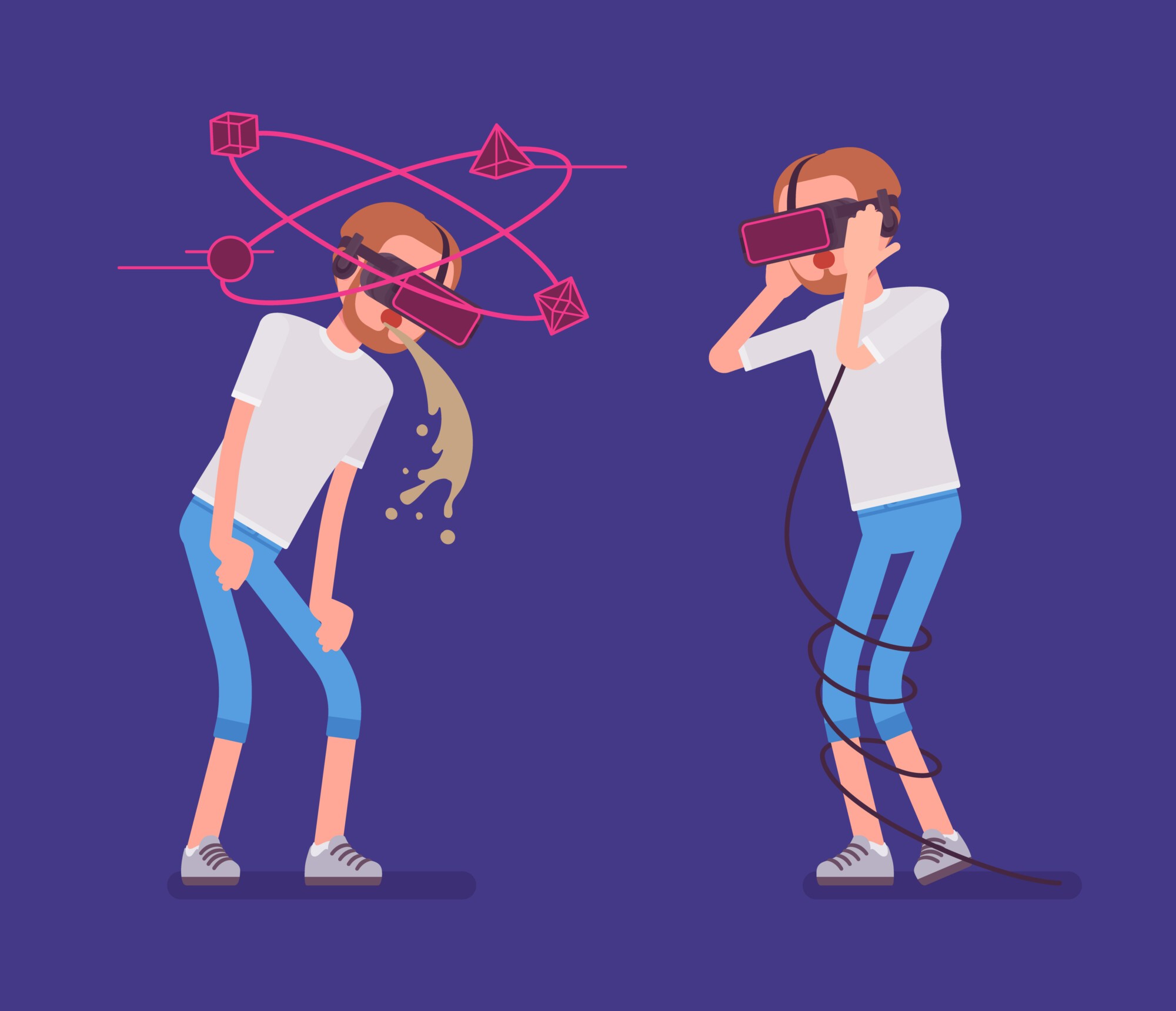
Symptoms of VR Sickness
Recognizing the signs of virtual reality (VR) sickness early is important and the symptoms of VR sickness vary from person to person, but the most commonly reported include:
Nausea or queasiness
Dizziness or light-headedness
Eye strain or blurred vision
A general feeling of disorientation
Headaches or fatigue
Excessive sweating
Loss of balance or spatial awareness
Symptoms can begin within just a few minutes of entering a VR experience and may worsen with prolonged exposure or intense movement.
Why Does VR Sickness Happen?
The primary cause of VR sickness is sensory conflict. Your brain receives input from your eyes, inner ear, and body to understand how you’re moving. In VR, this input can be inconsistent. For example, you might be using a controller to move forward in the virtual world, but your body is stationary in real life. This mismatch confuses the brain, triggering a physical response.
Several technical factors can contribute to this mismatch:
Latency: A delay between your head movement and the corresponding change in visuals can break the illusion of presence and increase discomfort.
Low frame rate: Choppy or stuttering visuals can make motion feel unnatural.
Wide field of view or poor camera control: Unstable or exaggerated camera angles can make users feel off-balance.
Artificial locomotion: Using a joystick or button to move through space instead of physically walking increases the chances of discomfort. (Using a joystick to teleport does not have the same effect)
Incorrect calibration: Poor IPD (interpupillary distance) settings or lens misalignment can strain the eyes and cause disorientation.
Who Is at Higher Risk of VR Motion Sickness?
Some people are more susceptible to VR sickness than others. Factors that increase risk include:
Being new to VR or having minimal previous exposure
A history of car, boat, or flight-related motion sickness
Vestibular system disorders or a naturally sensitive inner ear
Being in a younger or older age group
Some studies suggest women may experience higher sensitivity
Knowing these risk factors can help guide onboarding and training processes, particularly in enterprise or educational use.
VR Sickness Explained: Fixes and Remedies
How Do You Stop Motion Sickness in VR?
There is no universal fix, but several methods can significantly reduce the likelihood or severity of symptoms:
Use teleportation or other comfort-first locomotion methods instead of continuous motion (Teleportation is the standard movement method in most VR applications, but there are sometimes settings in the VR app that let people choose it manually)
Take regular breaks, especially during your first few sessions
Ensure the headset is properly fitted and calibrated for each user
Prioritize hardware with high refresh rates and low latency
Play while seated or ensure you have a stable physical posture
Keep the environment well-ventilated to avoid overheating
Use physical aids such as ginger tablets, acupressure wristbands, or doctor-approved medications for motion sickness
Start with short sessions and gradually increase exposure time to build tolerance
The key is to adjust both the software and the environment to match user comfort levels, especially for new users or high-risk groups. Example of teleportation movement method in VR
Building a Tolerance to VR Motion Sickness
Many users become more comfortable with VR over time. This process is called habituation. The brain gradually learns to process the sensory conflict with less discomfort. Repeated short sessions with low-motion content can help build your “VR legs” the same way someone who struggles with sea sickness earns their “sea legs” the more they travel and build their tolerance. To encourage a tolerance to VR sickness, you should:
Begin with simple, static VR experiences
Avoid intense movement or rotation early on
Use comfort settings provided in apps
Gradually increase session duration as tolerance improves
Developers often support this by offering different comfort modes and starting users with minimal movement before progressing to more demanding content. Users should avoid pushing through symptoms and instead give themselves time to adjust gradually. Not all VR content causes the same level of discomfort. For users who are sensitive to motion, it is best to start with:
Meditation and breathing apps with static environments
Seated experiences like interactive videos or training simulations
Puzzle games with limited camera movement
Educational environments with point-to-point navigation rather than free movement
For corporate or industrial use, simulations that focus on process training or safety procedures in a controlled space are ideal.
When to Stop: Knowing Your Limits
Users should never try to power through VR sickness. Doing so can make symptoms worse and increase recovery time. If any symptoms start to develop, the best approach is to stop immediately, rest in a well-lit space, and rehydrate. Over time, regular users can often build greater tolerance, but it’s important to do so at their own pace.
VR Sickness: Current Industry Progress, Solutions, and Closing Thoughts
How The VR Sickness Problem Has Improved Over the Years
The VR industry has made significant progress in reducing motion sickness through both hardware and software improvements.
Modern headsets offer higher refresh rates and lower latency, making motion feel smoother
Tracking systems have become more accurate, reducing unexpected movement or drift
Developers have introduced smarter camera control systems and customizable comfort settings
Most VR apps now include options like teleportation, snap turning, or static camera modes
Standalone headsets like Meta Quest use optimized display and motion tracking systems that reduce discomfort compared to early PC-tethered systems
As a result, VR is now far more accessible to a broader audience than it was just a few years ago. If you’re selecting a headset, see our updated list of the Top 5 AR and VR Headsets in 2026 to find models that prioritize comfort and performance.
Tips For VR Developers: Designing VR Applications to Minimize Sickness
For developers, designing with user comfort in mind is critical. Some practical strategies include:
Keeping frame rates consistently high to avoid jitter and lag
Limiting or smoothing camera movement to reduce the risk of disorientation
Offering multiple locomotion options and allowing users to choose what works for them
Avoiding sudden speed changes, camera rolls, or forced acceleration
Including clear onboarding instructions and calibration settings
These design choices can significantly reduce user dropout and increase the effectiveness of VR in training. At SHIIFT, we strive to give our users the most comfortable VR experience possible, so we can help our customers avoid motion sickness as much as we can. Meta has an in-depth blog post filled with advice on what developers can do to prevent VR motion sickness in their users.
How VR Sickness Affects Training and Enterprise Use
In workplace settings, VR sickness can lower training efficiency and reduce user confidence. It may also limit who can participate in certain modules. To counter this:
Use low-motion or seated VR experiences for general onboarding and safety training
Start with short sessions and allow gradual progression
Provide clear instructions for adjusting the headset and accessing comfort settings
Offer non-VR alternatives for users who remain sensitive despite best efforts
Minimizing sickness helps ensure users can focus on learning outcomes, not physical discomfort. At SHIIFT we often create a VR version on top of desktop or web-based version for training simulations, this way any users who are uncomfortable using VR can use the web version which functions the same way but without needing a VR headset or real head movements. A great example to check out is the Jobsite Safety Training simulation we designed for James Hardie.
Conclusion
VR sickness remains a challenge, and we are yet to find a perfect VR motion sickness cure, but it’s definitely a manageable issue. With the right setup, content choices, and session planning, users can dramatically reduce discomfort. As technology continues to improve, VR becomes more usable and effective across training, entertainment, and professional settings. Awareness and preparation are key to creating positive and comfortable virtual experiences.
Looking to create VR training that prioritizes user comfort and reduces motion sickness risk? Contact our team to find out how we design simulations that are both immersive and accessible.